
Most builders skipped past the "Claude Skills" launch announcement in October 2025 because the name sounds boring. They were wrong. Skills are the most important Claude primitive since MCP, and they fundamentally change how you use AI agents day-to-day.
This guide covers what Skills actually are, how they differ from MCP servers and Projects, the 12 most useful built-in Skills, and how to write your own in 5 minutes.
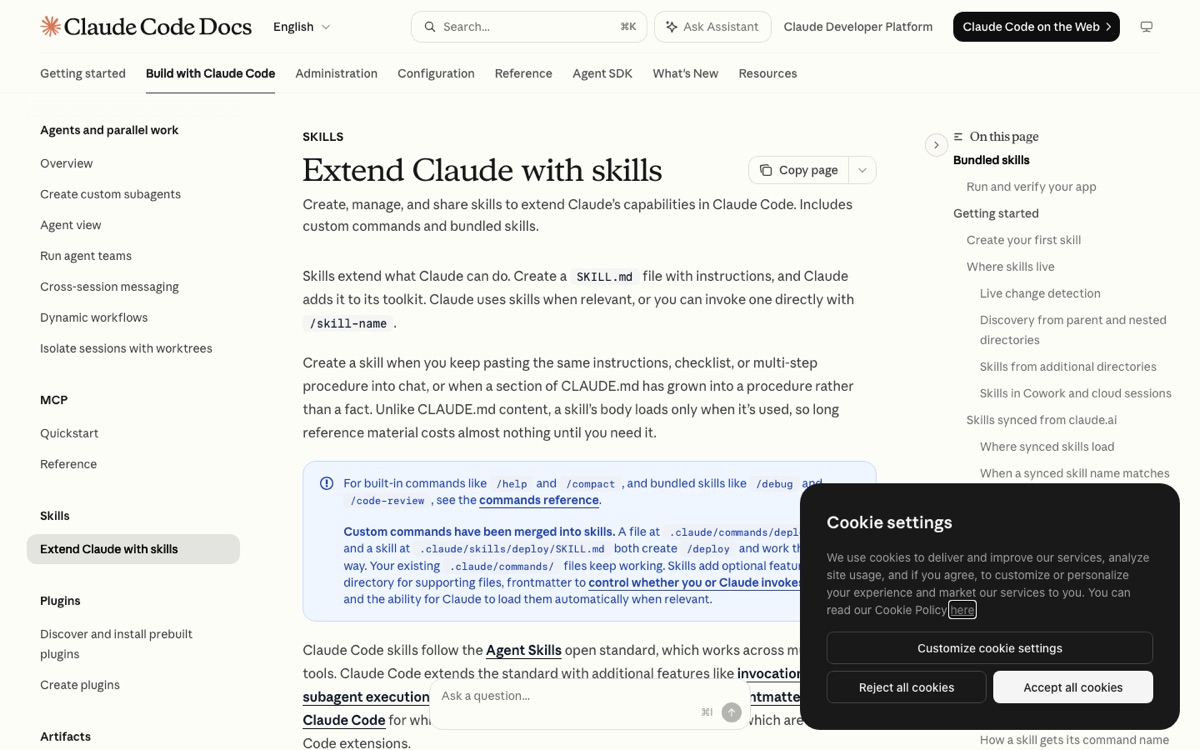
**Update, August 2026:** custom slash commands have been merged into skills — a file at .claude/commands/deploy.md and a skill at .claude/skills/deploy/SKILL.md both create /deploy and work the same way, per the official docs. Skills also follow the open Agent Skills standard now, so they work across tools, not just Claude Code.
What Claude Skills are
A Claude Skill is a structured markdown document that defines a reusable workflow. Anthropic released them in October 2025 as a way to turn one-off prompts into permanent, portable capabilities.
Three core properties of every Skill:
- Named — invoked by typing the Skill name (e.g.,
/review-proruse the design-logo skill) - Portable — works across any Claude conversation, any Project, any context
- Structured — written in markdown with explicit inputs, expected outputs, and step-by-step workflow
A minimum-viable Skill looks like this:
---
name: review-pr
description: Reviews a GitHub pull request and suggests improvements
inputs:
  - pr_url: GitHub PR URL
  - focus: Optional focus area (security, performance, readability)
---

## Workflow
1. Fetch the PR diff using the GitHub MCP server
2. Read the PR description for stated intent
3. Identify the 3 highest-priority changes needed
4. Format response as: <issue> | <line ref> | <suggested fix>
5. End with a one-line verdict (LGTM, needs changes, blocking issues)
That's it. Claude reads the Skill on invocation and follows the workflow.
How Skills differ from MCP and Projects
These three primitives confuse people. Here's the clean breakdown:
| Primitive | What it is | When to use |
|---|---|---|
| MCP servers | External tool access (DBs, APIs, files) | "Give Claude the ability to touch X" |
| Projects | Scoped conversation workspace | "Constrain this chat to these files + this system prompt" |
| Skills | Reusable named workflows | "Teach Claude to do X consistently across all conversations" |
A real example combining all three:
> I open my "Quarterly Planning" Project (scoped to my company's notion docs). I invoke the `draft-quarter-okrs` Skill (which knows our OKR format). The Skill uses the MCP server for Linear to pull the previous quarter's actuals.
Each does one thing. Together they compose.
The 12 most useful built-in Skills
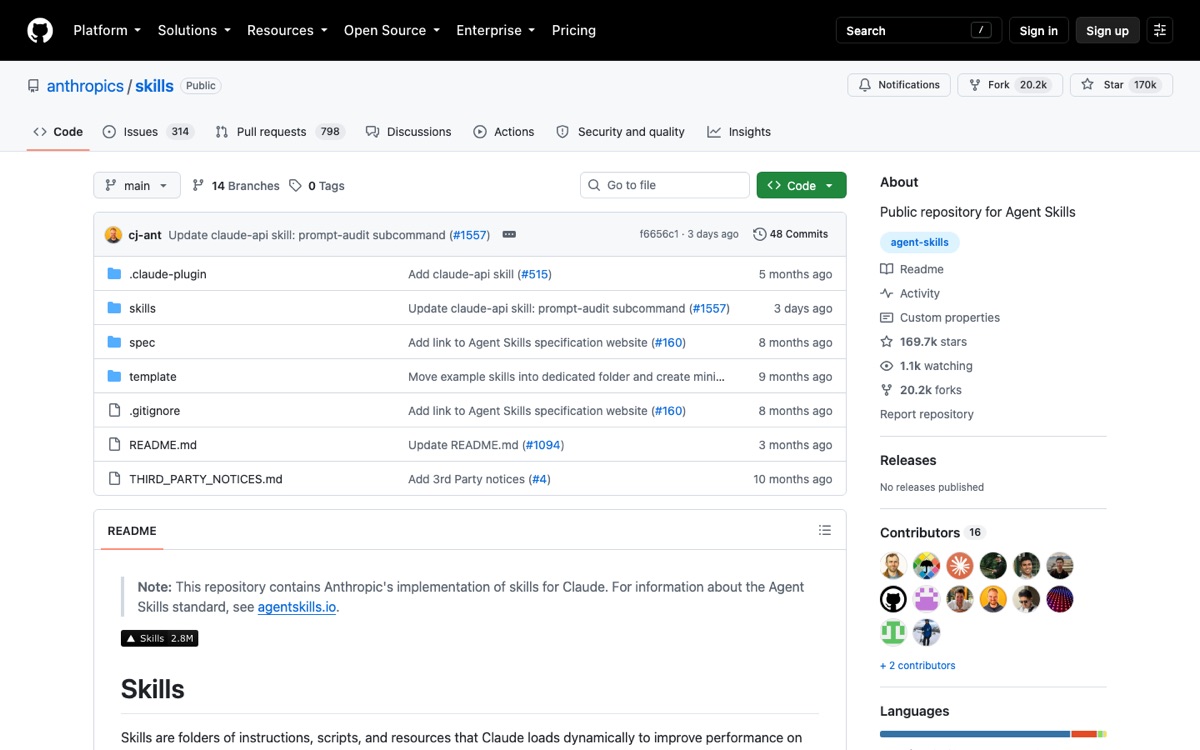
After 6 months of public usage, these are the Skills that show up in every advanced builder's setup. All available from github.com/anthropics/claude-skills or via the Skill marketplace.
Coding (3)
- `review-pr` — Analyzes a GitHub PR diff, identifies issues, suggests fixes. Saves 20 min per PR.
- `refactor-to-pattern` — Refactors a function to match a named pattern (e.g., "convert to async/await", "extract to hook"). Most useful when modernizing legacy code.
- `write-tests` — Generates Vitest/Jest tests for a given file with edge cases + happy path. ~80% coverage on first try for pure functions.
Writing (3)
- `draft-blog-post` — Turns a 1-sentence topic into a full post with intro, body, FAQ. Best for technical content.
- `draft-email-reply` — Reads an incoming email, drafts a reply that matches the sender's tone. Massive time-saver.
- `summarize-meeting` — Transcript in → bullet summary + action items + assigned owners out.
Design (2)
- `design-logo` — Generates SVG logos with brand variables (primary, accent, font). Outputs production-ready code.
- `design-icon-set` — Creates a 12-icon set matching a single visual style. Saves $200 in stock icon licensing.
Ops + Productivity (4)
- `weekly-status` — Pulls from Linear + Slack + GitHub via MCP, writes your weekly status update.
- `run-incident-postmortem` — Templates a postmortem doc from incident timeline.
- `onboard-new-hire` — Generates a personalized first-week plan based on the role + company docs.
- `translate-jargon` — Rewrites technical docs in plain English for non-technical stakeholders.
How to write your own Skill in 5 minutes
The fastest way to build a Skill is to start from one you use repeatedly.
Step 1: Take a prompt you write often
Pick a task you've prompted Claude for 3+ times. Copy the prompt verbatim.
Step 2: Turn it into Skill format
Save it as my-skill.md with the structure:
---
name: my-skill
description: One sentence describing what this Skill does
inputs:
  - input_1: Description of input 1
  - input_2: Description of input 2
---

## Workflow
1. First step
2. Second step
3. Third step

## Output format
[Describe expected output structure]

## Examples
[1-2 input → output examples]
Step 3: Save to Claude's Skills directory
- macOS/Linux:
~/.config/claude/skills/ - Windows:
%APPDATA%/claude/skills/
Or upload to Claude's web UI: Settings → Skills → Upload.
Step 4: Invoke it
In any conversation: "Use the my-skill skill with input_1 = ..."
That's it. The Skill is now permanent and portable.
Skill best practices (after 6 months of usage)
- One Skill, one job. Don't make a "do-everything" Skill. The whole point is composition.
- Specify input shapes precisely. "Email subject" not "topic". "GitHub PR URL" not "link". Specificity eliminates 80% of failed runs.
- Include a Workflow section. Step-by-step beats free-form prose for repeatability.
- Add 1-2 examples. Few-shot patterns lift success rate from 60% to 95% for non-trivial Skills.
- Test in isolation first. Run the Skill in a fresh conversation before adding it to a Project — debugging is easier without context bleed.
Why Skills matter for builders
Three reasons to care, ranked by impact:
- Compounding productivity — A Skill written once saves 5-20 min per invocation. After 10 uses, that's 1-3 hours saved on something you would've prompt-engineered from scratch each time.
- Team-level workflow standardization — Skills are shareable as markdown files. Your team uses the same
review-prskill → consistent code review quality across humans.
- Composability with MCP and Projects — Skills + MCP + Projects compose into custom agents that match your actual workflow, not Anthropic's defaults.
Common mistakes to avoid
- ❌ Making Skills too generic ("write content") — they fail unpredictably
- ❌ Skipping the inputs section — Claude has to guess what you mean
- ❌ Forgetting to test on edge cases (empty inputs, malformed URLs)
- ❌ Writing Skills that depend on conversation context (defeats portability)
What's next
Anthropic is rumored to ship a public Skill Marketplace in Q3 2026 — think GitHub for Skills, where popular ones get ratings + version history. If you write a useful Skill, publish it now to claim the name before the marketplace launches.
If you're using Claude Code daily and haven't written a Skill yet, that's the single highest-ROI 30 minutes you can spend this week.
Related reading
- the most-installed Claude Code skills
- when a skill beats an MCP server
- MCP Servers Explained — the companion primitive for external tools
- Best AI Coding Tools 2026 — Cursor / Claude Code / Cline / Aider compared
- 106 MCP Servers Directory — browse + install