
Short version: Build a real website with AI in 2026 by picking the right tool for your goal. Framer AI for polished marketing sites ($15/month). Webflow AI for content-heavy sites with real CMS ($23-39/month). Wix Studio AI for e-commerce ($27/month). Vercel v0 for React components inside a Next.js app (free-$20). Solo founder can go from idea to live site in 2-3 hours.
Step 1 — Pick the right tool for your specific goal
There is no single best AI website builder in 2026. Each tool wins one specific job.
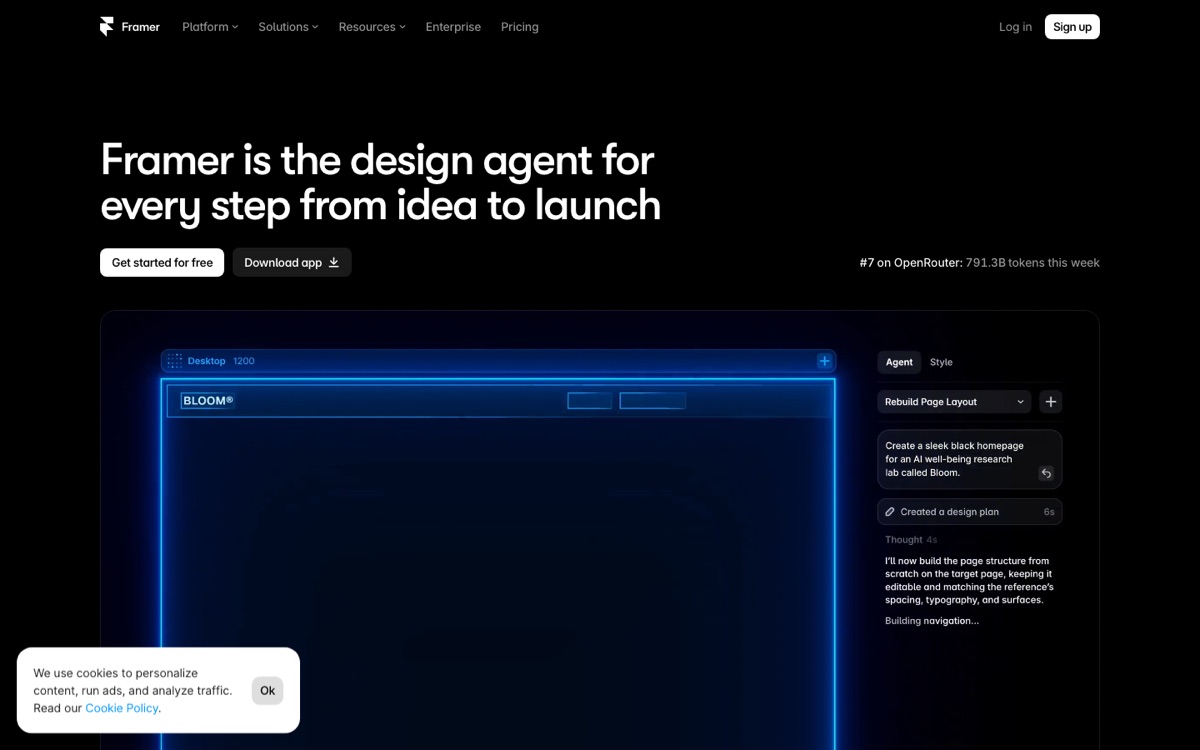
- Framer AI — landing pages, portfolios, marketing sites for SaaS. Best design aesthetic. $5-15/month.
- Webflow AI — content sites with a real CMS, member logins, e-commerce. Steeper learning curve. $23-39/month.
- Wix Studio AI — full e-commerce stores, small-business sites, restaurant + service business sites. $27/month.
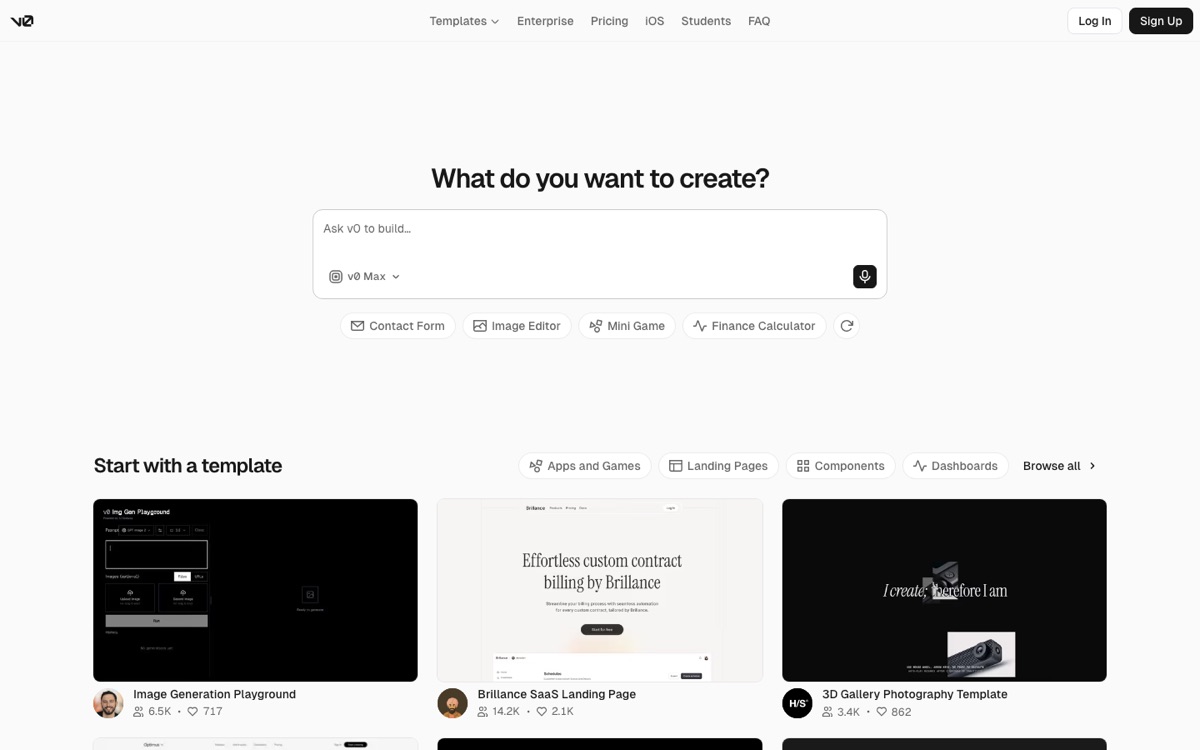
- Vercel v0 — component generator for Next.js apps. You paste v0 output into your existing codebase. Free tier + $20/month Pro.
- Lovable — full-stack app builder: prompt in, working frontend + backend + database + auth out, one-click deploy. Credit-based, Pro from $25/month. The one to pick when your "website" is really an app.
- Bolt.new — same full-stack category as Lovable but token-based pricing (Pro $25/month) and closer to the code; better when you want to edit what it generates.
The mistake beginners make: picking Webflow when they really need Framer, or Framer when they really need Wix. Pick by end goal:
- Landing page for solo founder → Framer AI
- Blog with 50+ posts and a real CMS → Webflow AI
- Online store selling physical products → Wix Studio AI
- Adding a page to an existing Next.js app → Vercel v0
- App with login, database, payments → Lovable or Bolt.new
Step 2 — Sign up and describe your business
Regardless of which tool you pick, the first step is the same: describe your business, your target customer, and what you want the website to do.
Framer AI example prompt:
"Landing page for a fintech startup targeting Indian SMBs. Dark theme, minimal, one clear CTA to sign up for beta. Hero section explaining the value prop, three feature blocks, a testimonial section, an FAQ, and a footer with newsletter signup."
Framer generates the full site in under 90 seconds. You review, tweak headlines, adjust colors, then publish. First iteration is usually 80% of what you want.
Webflow AI example prompt (roughly the same but with CMS structure):
"Blog site for an indie founder writing about SaaS marketing. Homepage with featured posts, category pages, author pages, newsletter signup, subscribe CTAs throughout, and a real CMS structure for adding new posts."
Webflow AI generates the site structure plus the CMS collections. Learning curve here is real — plan on 1-2 weeks to feel comfortable with the interface.
Step 3 — Customize with your real content
AI website builders generate placeholder content. Your job is to replace it with real copy, real images, real testimonials.
Copy — use Claude or GPT to write your homepage headlines, feature descriptions, FAQ answers. Prompt template:
"Write 3 headline variants for a fintech startup landing page targeting Indian SMBs. The value proposition is [YOUR VALUE PROP]. Voice: direct, no buzzwords, no fluff. Include one contrarian angle vs the competition."
Images — you have three options:
- Free stock — Unsplash, Pexels
- **AI-generated** — Midjourney v7, Flux 1.1 Pro (see AI image generation guide)
- Real photos of your product — always the strongest if you have them
Testimonials — until you have real customers, use quotes from beta users, LinkedIn advisors, or people you have specifically asked for a quote. Never fake testimonials — this backfires when someone Googles the name.
Step 4 — Buy a real domain and connect it
Domain from Namecheap or Porkbun costs about $12/year for a .com. Both Framer and Webflow give you clear step-by-step DNS instructions — you paste two records into your domain registrar and the custom domain goes live in 5-30 minutes.
Free subdomains like yoursite.framer.website or yoursite.webflow.io work fine for testing, but for a real business, custom domain matters for SEO and credibility.
Step 5 — Add analytics and SEO basics
Before you announce the site publicly, add:
- Meta title + description on every page — Framer and Webflow both have SEO fields per page
- Favicon — 32x32 png, generate free at favicon.io
- Google Search Console verification — takes 5 minutes, gives you index status + search performance data
- Bing Webmaster Tools — same idea, 5 minutes, covers Bing + ChatGPT Search
- Plausible or Google Analytics — Plausible ($9/month) is privacy-first and India DPDP-compliant
Skip conversion trackers until you have actual conversions to track. Premature optimization here is a common time sink.
Step 6 — Test on real mobile devices before launching
AI website builders generate mobile-responsive output but always check on a real phone before announcing. Common issues:
- Hero headline too big on small screens
- Buttons too small to tap
- Font sizes render smaller than expected on iOS Safari
- Images not compressed enough — slow load on mobile networks
Test on both iOS Safari and Android Chrome. Fix any layout breaks. Only then announce publicly.
Step 7 — Launch and iterate weekly
Ship first, iterate later. A website that goes live in 3 hours and gets iterated weekly beats a website that spends 3 months in perfection mode and never launches.
First-month iteration checklist:
- Week 1 — announce on your own network (LinkedIn, Twitter, WhatsApp, personal newsletter). Watch analytics.
- Week 2 — fix any bounce hotspots. Add missing SEO fields Google Search Console flags.
- Week 3 — add one more page based on what visitors ask about
- Week 4 — evaluate: is the CTA converting? Do visitors read the copy? Is mobile experience good?
The full monthly cost breakdown
| Line item | Framer setup | Webflow setup | Wix setup |
|---|---|---|---|
| Platform monthly | $15 | $23-39 | $27 |
| Domain (yearly amortized) | $1/mo | $1/mo | $1/mo |
| Plausible analytics | $9 | $9 | $9 |
| Total monthly | $25 | $33-49 | $37 |
| Total yearly | $300 | $396-588 | $444 |
Compare to hiring a designer + developer to build a custom site: $3,000-15,000 upfront plus $50-200/month hosting. AI website builders in 2026 give solo founders professional-quality sites at 10% of the traditional cost.
What NOT to use in 2026
Three tools to skip:
- Wordpress for a marketing site — the maintenance overhead (updates, plugins, security patches, hosting) is not worth it for a solo founder in 2026. Use Framer or Webflow.
- Squarespace — the AI features lag competitors, the templates feel dated, and the price is not competitive.
- Any "one-click AI website generator" ad you see on social — most are white-label wrappers around one of the tools above with a markup. Go direct to Framer, Webflow, Wix, or Vercel v0.
Ship it
The path is real. Solo founders are shipping professional websites in 2-3 hours in 2026 with zero coding experience. Total cost is $300-500/year for a real live site with custom domain, analytics, and SEO.
Read the AI website design tools deep dive, the complete AI creator toolkit, and the AI stack for 2026 for how the website fits into your broader stack.