
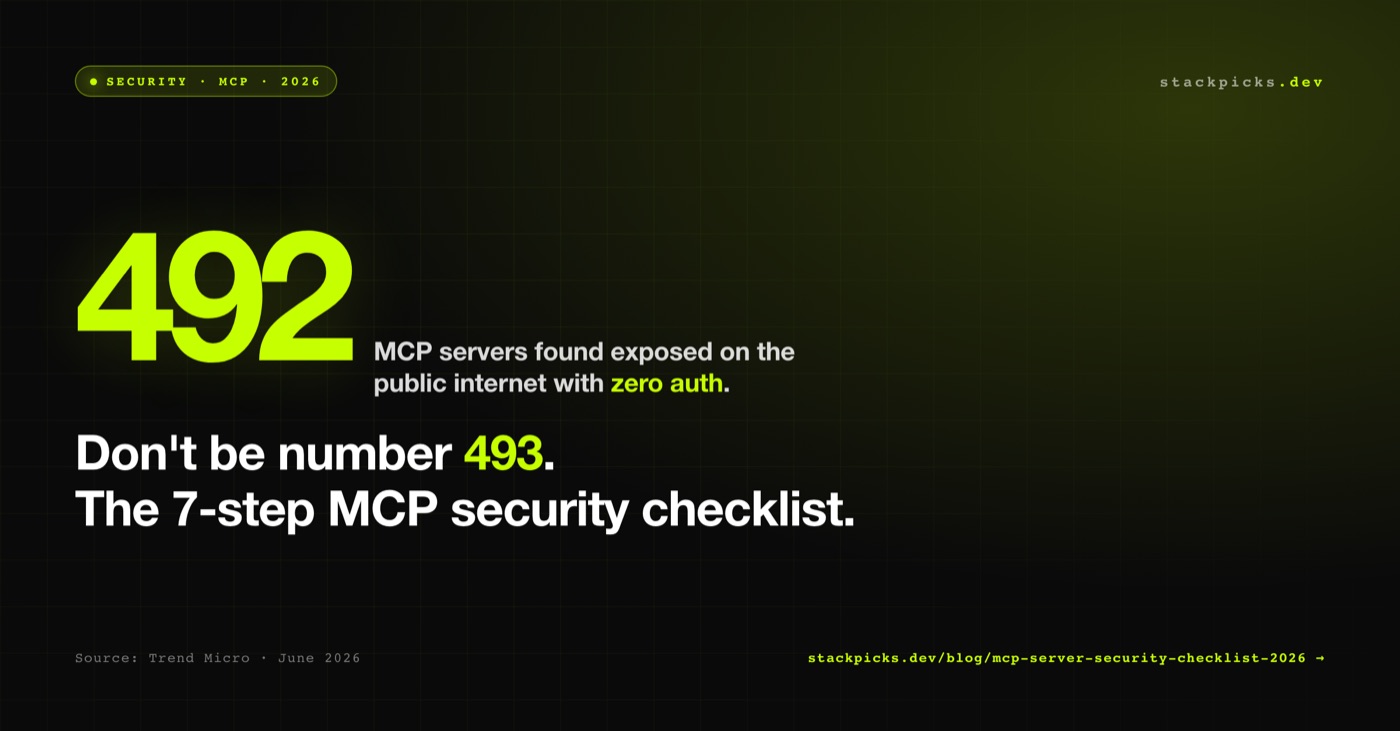
**Quick answer:** In June 2026, Trend Micro researchers found **492 MCP servers on the public internet with zero authentication** — exposing production databases, internal Slack workspaces, GitHub repos, and proprietary docs to anyone who knew the URL. The fix is a 7-step checklist below. If you don't want to wire all this yourself, **StackPicks Connect** handles MCP auth + audit + encryption out of the box.
If you've shipped or are about to ship an MCP server in 2026, read this before your next deploy.
The 492 exposed servers — what actually happened
MCP (Model Context Protocol) is Anthropic's open standard for AI agents to talk to your tools — your Slack, your Postgres, your CRM, your GitHub repos. Each MCP server exposes a JSON-RPC endpoint that an AI client can call.
Trend Micro researchers ran internet scans in early June 2026 and found:
- 492 publicly reachable MCP servers with no authentication of any kind
- Many running on default ports (3000, 8080) with the standard
/sseor/messagestransport endpoint - Exposed data included: production database read access, private GitHub repos, internal Slack messages, Notion workspaces, Stripe customer records, full filesystem access
- Most were running on cloud VMs (AWS, DigitalOcean, Hetzner) — accidentally exposed via misconfigured security groups or reverse proxies
This is the early-2010s "MongoDB-with-no-password" moment for MCP. Every indie dev shipping an MCP server is potentially adding to the count.
The 7 mistakes most of them made
1. No authentication middleware at all
The most common failure: a developer copy-pasted an MCP SDK example, ran uvicorn server:app --host 0.0.0.0, and forgot that "host 0.0.0.0" means "the entire internet". The MCP SDK examples are bare-bones — they assume you add auth before deploying.
Fix: every JSON-RPC request must hit an auth middleware before the tool router. 401 on missing header. No exceptions for the initialize method.
2. Predictable endpoint paths advertise the server
The SSE / Streamable HTTP transport conventions publish at predictable paths (/sse, /messages, /mcp). Combined with the X-MCP-Version response header, a single targeted Shodan query finds every exposed server in minutes.
Fix: Don't rely on path obscurity. Auth is the only real barrier — but you can additionally serve the MCP endpoint on a non-standard path (/internal/<random-string>/mcp) as a soft second layer.
3. Hardcoded credentials inside the MCP server code
The MCP server has access to your real backend tokens (Slack bot tokens, GitHub PATs, Stripe secret keys, DB connection strings). Several of the 492 exposed servers had these checked into Git via .env files that landed in public repos.
Fix: Store backend credentials in a secrets manager (Doppler, Infisical, AWS Secrets Manager, Railway env vars). Never in the MCP server's filesystem or code.
4. Over-broad tool scopes
If your MCP server exposes a read_file tool that accepts any path, an attacker (or a hallucinating AI) can read /etc/passwd, your Postgres password file, your SSH keys.
Fix: Every tool input must be validated against an allowlist. read_file({ path: string }) should refuse anything outside a configured base directory. Same logic for DB queries (parameterised only), file writes (scoped subdirectory), shell commands (allowlist of approved binaries).
5. No rate limiting per token
Even with auth wired, a leaked token gives an attacker (or an enthusiastic AI) infinite calls. Several exposed servers had auth but no per-token rate limits — an attacker could exhaust your DB connection pool or hit Stripe's API limits at full speed.
Fix: Rate-limit per token. 60 tool calls/minute per token is generous for legit use. Spike alerts on 10× normal volume.
6. No audit log of tool calls
If something goes wrong, you need to know which token called which tool with what arguments and when. Most of the 492 had no logs at all — the operators didn't know they were compromised.
Fix: Log every tool call with: timestamp, token hash, tool name, arguments hash (not plaintext if sensitive), response status. Ship to an external sink (Logflare, Axiom, BetterStack) — not just stdout that the host can lose on restart.
7. "We'll add auth before going live" — and then going live
The single most common comment from the operators of the exposed servers when contacted: "I was going to add auth before going live." Then they forgot. Then six months passed.
Fix: Production = auth, period. If you can't wire auth in the same PR as the deploy, don't deploy.
The 7-step MCP security checklist
Copy-paste this into your repo as SECURITY.md. Before every MCP deploy:
| ✓ | Step | What it means |
|---|---|---|
| ☐ | 1. Auth middleware on every request | OAuth 2.1, signed bearer tokens, or mTLS. 401 on missing/invalid. No method-level bypasses. |
| ☐ | 2. Tools restricted to allowlists | No arbitrary paths, no arbitrary SQL, no arbitrary shell. Every input validated. |
| ☐ | 3. Secrets in a vault | Backend creds (Slack tokens, DB strings, API keys) in Doppler / Infisical / Railway env vars — never on disk in the MCP server. |
| ☐ | 4. Rate limits per token | 60 calls/min per token by default. Tighter for write tools. |
| ☐ | 5. Audit log to external sink | Every tool call logged with timestamp + token hash + tool + args hash + status. Ship to Axiom / Logflare / BetterStack. |
| ☐ | 6. Token rotation | Tokens expire ≤90 days. Rotate immediately if any infra is touched. |
| ☐ | 7. Network controls | Bind to 127.0.0.1 by default. Public access via authenticated reverse proxy only. lsof -i before every deploy. |
The shortcut: use a managed MCP gateway
If wiring all 7 yourself feels like a tax, that's because it is. We built **StackPicks Connect** so indie devs don't have to:
- Every app connection is OAuth 2.1 or signed bearer token — no raw MCP endpoints exposed to the internet
- All credentials encrypted at rest with AES-256-GCM and versioned key rotation
- Per-tool scopes enforced server-side
- Every tool call audited to our log pipeline
- Rate limits per API key
- Slack, Notion, Linear, Stripe, GitHub, Razorpay, Meta Ads, Google Ads + 40 more apps wired
You connect once via browser OAuth, paste one URL (https://stackpicks.dev/api/mcp) into Claude or Cursor, and you're talking to all your apps through an authenticated gateway. No public MCP endpoints anywhere.
Honest bottom line
If you can wire 7 security layers correctly yourself, self-hosting MCP servers is fine. If you can't — or you don't want to spend a week on auth + audit + rotation — use a managed gateway. The 492 exposed servers happened because shipping fast beats shipping secure, and the MCP ecosystem hasn't caught up with secure defaults yet.
Don't be number 493.
More from StackPicks
- What is MCP (Model Context Protocol)? Plain-English guide
- MCP Goes Stateless: 2026 Spec RC explained
- MCP 2.0 in 2026: what's new
- One MCP for all apps — Composio alternative
- Connect 50+ apps via one MCP URL → /connect