
Short version: Higgsfield AI is the current best tool for stylized camera motion in AI video. It has 60+ preset camera motions (dolly zoom, orbit, whip pan, crane down, dutch angle) that other AI video tools cannot reliably reproduce. Best for music videos, film-tok, launch teasers, and any reel where motion IS the storytelling. $30/month Pro for 300 credits (about 30-40 videos).
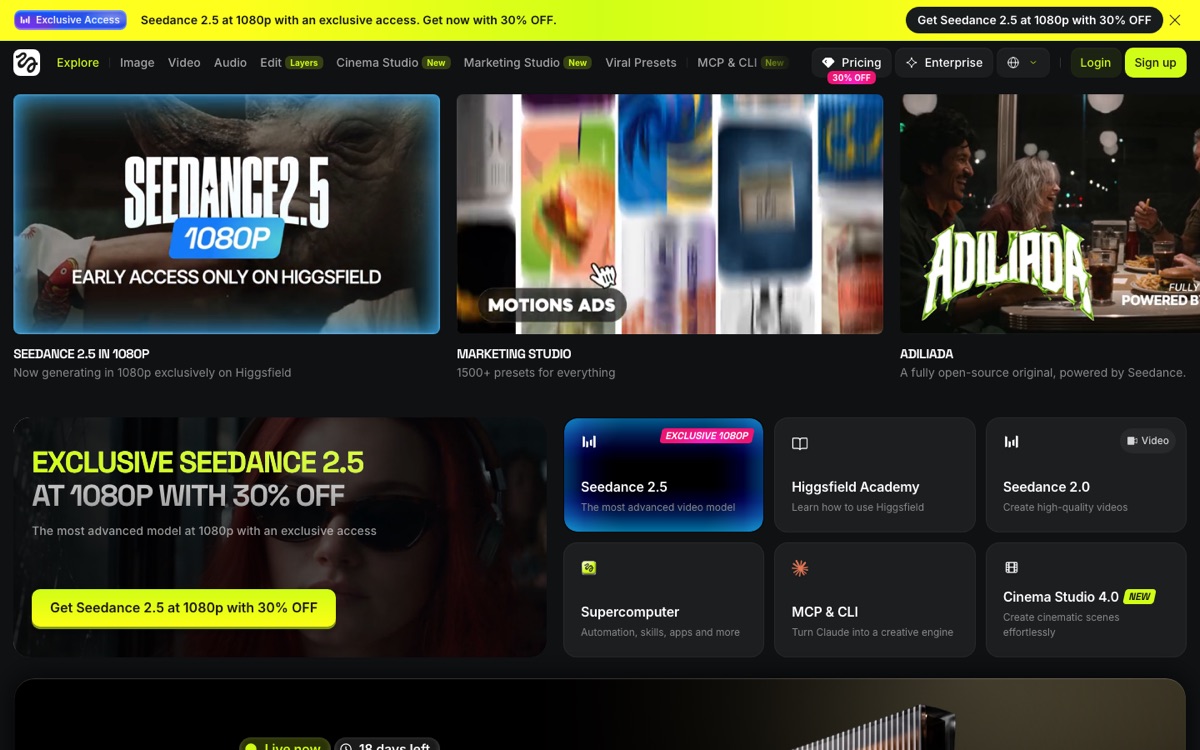
Step 1 — Sign up and get your first credits
Go to higgsfield.ai and sign up with Google or email. The free tier gives you 10 credits, enough for 3-5 short clip generations. You will hit the limit fast if you are testing seriously, so plan to upgrade to the $30/month Pro plan within your first week.
The interface is web-first and clean. There is also a mobile app on iOS and Android which is genuinely good — you can generate clips during commute and edit on your desktop later.
Step 2 — Understand the camera motion presets
This is Higgsfield's superpower. Instead of describing camera motion in a prose prompt (which every other AI video tool asks you to do), Higgsfield gives you 60+ visual presets. You pick the motion first, then describe the subject.
The top presets creators actually use:
- Dolly Zoom — the "Vertigo" effect. Zoom in while camera moves back. Massively emotional.
- Orbit — camera circles around the subject. Best for product reveals and dramatic character moments.
- Whip Pan — fast horizontal motion. Music video staple.
- Crane Down — descend from overhead to eye level. Cinematic reveal.
- Dutch Angle — camera tilted for disorientation. Good for tension moments.
- Push In — slow forward push. Standard emotional beat.
Motion presets solve the prompt engineering problem. Instead of writing "camera slowly pushes in as the character turns to face us" and hoping the AI understands, you pick "Push In" from a menu and describe just the character.
Step 3 — Write a subject prompt
After picking your motion preset, describe what happens in the scene. Higgsfield expects a short prompt (under 100 words is best). Structure that works:
[Subject] [action] in [location], [time of day], [visual style]
Real examples that produce good clips:
- "A young Indian woman walking through a neon-lit Tokyo alley at night, cyberpunk aesthetic"
- "A red sports car parked outside a Mumbai chai stall, golden hour lighting, film grain"
- "A close-up of hands typing on a laptop, warm morning light, coffee shop background bokeh"
- "A fintech founder in a hoodie explaining a whiteboard, office setting, documentary style"
The mistake to avoid: over-describing the camera motion in the prompt. You already picked that from the preset menu. The prompt is only for the subject and setting.
Step 4 — Generate and iterate
Click Generate. The clip takes 30-90 seconds. You get 5-8 seconds of video. Watch it, and if it did not work, either:
- Try a different preset (motion might not fit the subject)
- Tighten the prompt (remove ambiguous words)
- Regenerate with the same settings (Higgsfield produces variations)
Most creators generate 2-3 variants per shot and pick the best. Budget 40-60 credits for a full 10-shot music video reel.
Step 5 — Combine with Runway Gen-4 for the full toolkit
Higgsfield alone will not give you a full video — it's a specialist tool for motion moments. Pair it with Runway Gen-4 for natural cinematic shots, character consistency, and 10-second clip length. Runway wins for natural lighting; Higgsfield wins for stylized motion.
The workflow that works:
- Story shots — write the scene beats. Which ones need motion? Which need natural?
- Motion shots go to Higgsfield — 5-8 seconds each, preset-driven
- Natural shots go to Runway — 10 seconds each, prompt-driven
- **Edit in DaVinci Resolve or CapCut** — cut clips together, add music (Suno works great for this — see Suno v4 review)
- Export and publish — Instagram Reels, YouTube Shorts, TikTok, or feed into a real product launch video
Combined stack cost: about $65/month for Runway Pro + Higgsfield Pro. That replaces $3,000+ of stock footage subscription and editor time.
Real use cases that work in 2026
Music video reels — Higgsfield is what every music creator on Instagram uses in 2026 for the sync-cut motion moments. Combine 5-7 Higgsfield clips with one lyric hook and you have a scroll-stopping reel that can hit 1M+ views.
Film-tok shorts — the 60-second "movie in a minute" format lives on camera motion. Higgsfield handles this without breaking creator budgets.
Product launch teasers — dolly zoom into product + orbit reveal + crane down = 20-second launch teaser you can ship in an hour.
Personal brand reels — founder walking on stage, orbit around head, dolly zoom to face. Standard cinematic energy on demand.
YouTube Shorts openers — grab attention in first 2 seconds with a whip pan or dutch angle. Retention wins.
What Higgsfield cannot do
Being honest about limitations:
- Not for long-form documentary footage — max clip length is 8 seconds, so a 3-minute talking-head video needs a real camera or Runway.
- Character consistency across 20+ shots — Runway wins here via reference image; Higgsfield drifts.
- Natural lighting consistency — sometimes hits, sometimes flat overhead lighting for the same prompt. Runway is more reliable.
- Tutorial B-roll — for showing screens, hands, mundane objects, Runway or real footage works better.
The full Higgsfield cost math
$30/month Pro plan = 300 credits per month.
Average creator use:
- 10 reels per month at 5-6 clips each = 50-60 clips = 150-180 credits
- Music video edits + launch teasers = another 60-80 credits
- Total realistic monthly use for a serious creator: 200-260 credits
Pro plan covers this with headroom. If you are shipping video content daily, upgrade to Ultimate at $75/month for 900 credits.
Ship it
Higgsfield is a specialist tool that does one thing better than anything else. Sign up free, spend 10 credits testing, and if the motion output matches your niche, subscribe to Pro. Combined with Runway ($35/month) and DaVinci Resolve (free) you have the full 2026 AI video stack for about $65/month.
Read the Runway Gen-4 review, the Higgsfield vs Runway head-to-head, and the faceless YouTube automation guide for how this fits into a broader content workflow.