
**Short version:** the right local model is the biggest one that fits your memory with room left for context. Below is a rule of thumb, picks for each hardware tier, and the free tools to run them. Model sizes are from the Ollama library; star counts are from GitHub on 23 October 2026.
The memory rule of thumb
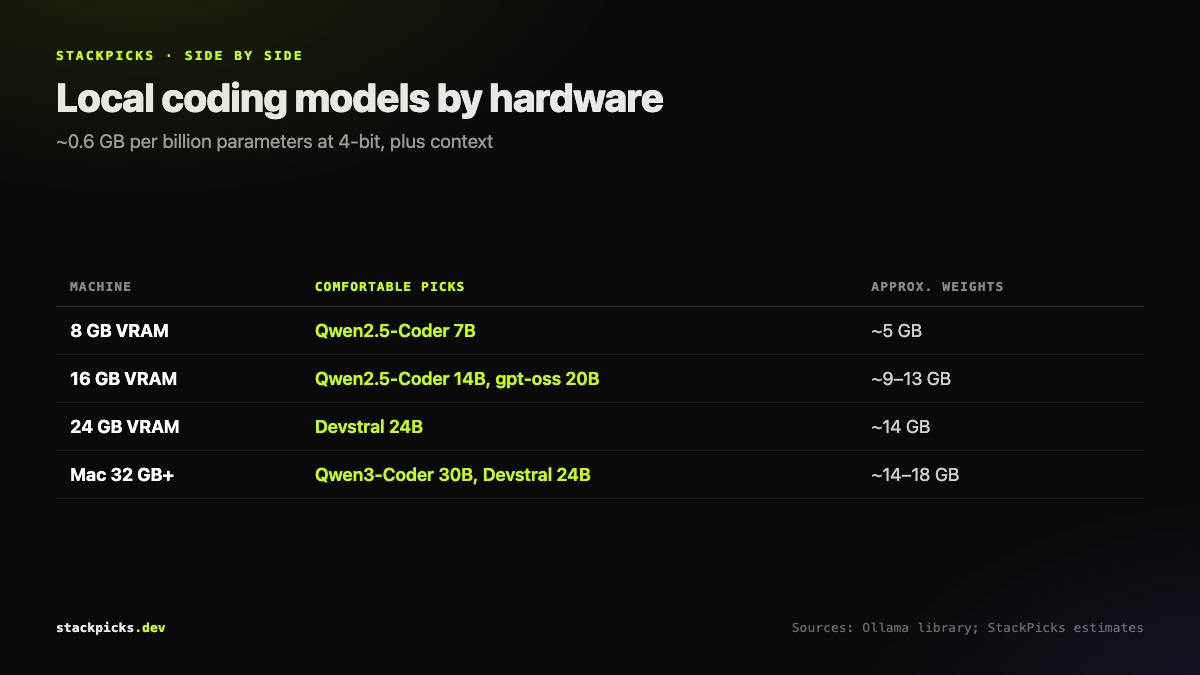
At the 4-bit quantisation most local tools use by default, a model needs roughly 0.6 GB of memory per billion parameters, plus a few GB for context and the runtime. So a 14B model is about 9 GB, a 24B model about 14 GB, and a 30B model about 18 GB. Long contexts add more. Treat these as estimates, not guarantees — check actual usage after loading.
Picks by hardware
| Your machine | Comfortable picks | Notes |
|---|---|---|
| 8 GB VRAM / 16 GB Mac | Qwen2.5-Coder 7B | Good completions; weaker on big refactors |
| 16 GB VRAM | Qwen2.5-Coder 14B, gpt-oss 20B | OpenAI built gpt-oss 20B to run within 16 GB |
| 24 GB VRAM | Devstral 24B, Qwen2.5-Coder 32B (tight) | Devstral is tuned for coding agents |
| Mac, 32 GB+ unified | Qwen3-Coder 30B, Devstral 24B | Unified memory lets Macs punch above their GPU |
Qwen2.5-Coder comes in 0.5B to 32B sizes, Qwen3-Coder in 30B and 480B, Devstral in 24B, and gpt-oss in 20B and 120B. The 480B and 120B variants are for servers, not laptops.
The tools that run them
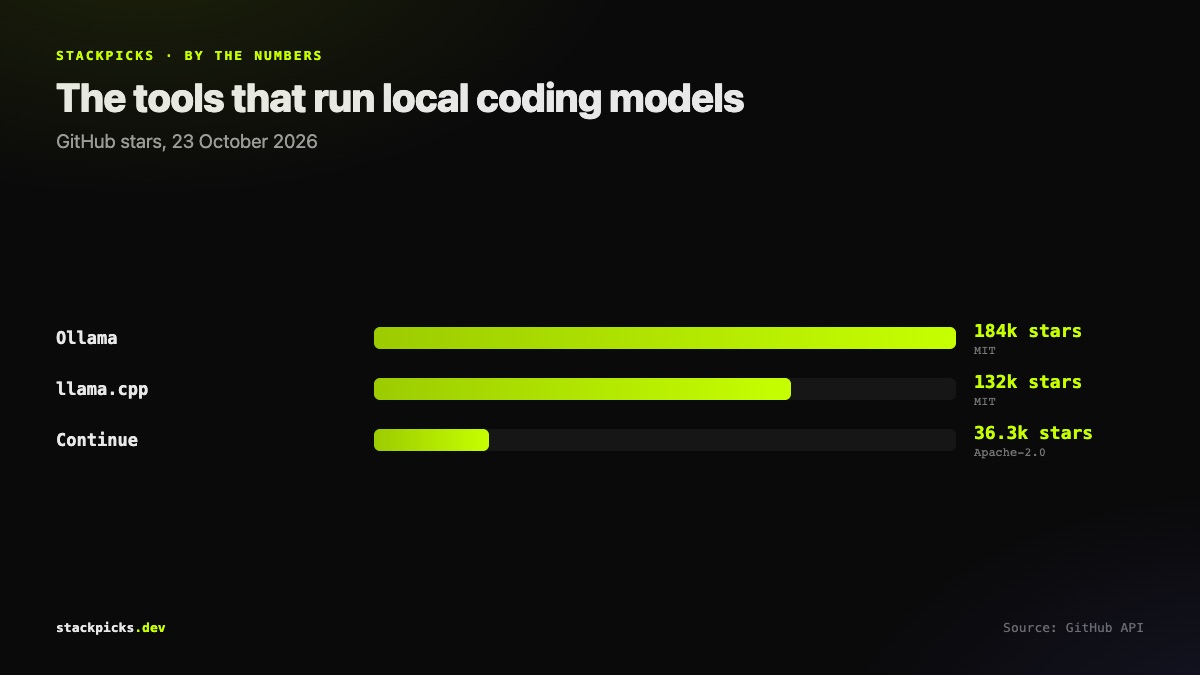
- **Ollama** (MIT, ~184k stars) — the easy path.
ollama run qwen2.5-coder:14bdownloads and starts a model, and exposes a local API. - **llama.cpp** (MIT, ~132k stars) — the engine underneath much of the ecosystem; more control, more flags.
- **Continue** (Apache-2.0, ~36k stars) — an open-source coding agent for VS Code and JetBrains that can point at your local Ollama models.
For a full self-hosted chat setup with a browser UI, follow our Ollama + Open WebUI guide.
Honest limits
Local models have improved fast, but on long, multi-file agentic tasks they still trail the frontier cloud models in Claude Code or Codex. Where local shines:
- Privacy — code never leaves your machine, useful under client NDAs.
- Offline — flights, unreliable connections.
- Cost at volume — completions and small edits all day, no per-token bill.
A common setup is local for autocomplete and quick questions, a cloud agent for the hard tasks. For free cloud-side options, see free Cursor alternatives and open-source alternatives to Claude Code.