**Short version:** you no longer have to choose between your favourite coding agent and Android Studio's tooling. Google introduced Bring Your Own Agent (BYOA) on 24 September 2026 and shipped it stable in Android Studio Rabbit 2 on 28 October. Details are from the Android Developers blog.
Connect an agent
- Update to Android Studio Rabbit 2 or later.
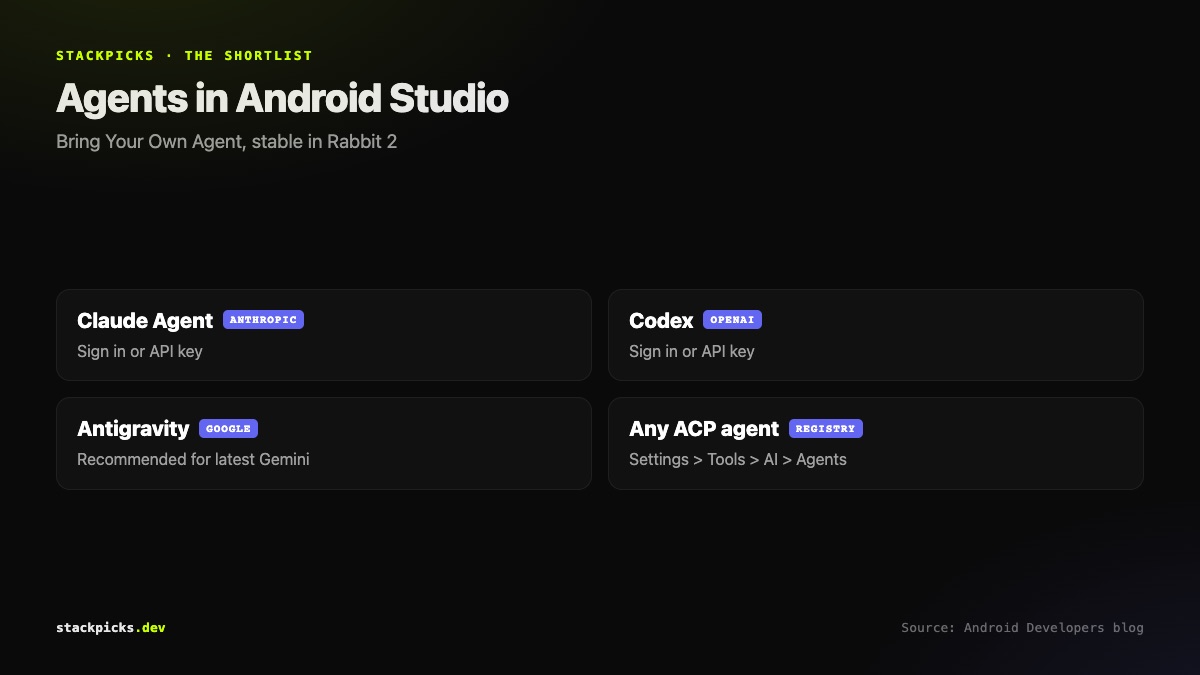
- Open the agent window and pick Claude Agent, Codex or Antigravity.
- Sign in with your plan or paste an API key.
- Find more agents under Settings > Tools > AI > Agents.
Enterprise and consumer AI plans both work, subject to the agent provider.
What the agent gets from the IDE
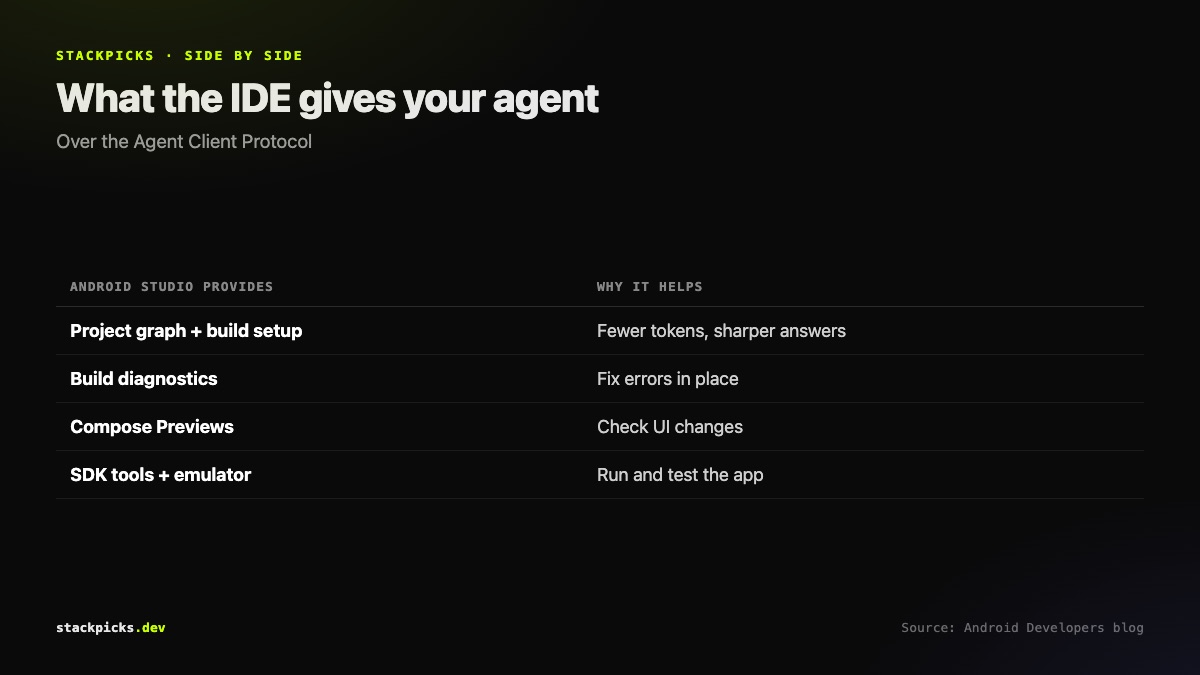
Android Studio passes the **project graph, build setup and platform details** over the Agent Client Protocol, so the agent can pick relevant files instead of reading everything; Google pitches this as better token efficiency. It also injects:
- Build diagnostics
- Jetpack Compose Previews
- Android SDK tools
- Emulator control
Agents can read and edit files, run shell commands and tests, spawn subagents, and keep project skills and memory. Granular permissions let routine work run on its own and pause for approval on riskier actions.
Tips
- Switch agents mid-task if one hits its quota; another can take over.
- Gemini users: Google recommends the Antigravity agent for the latest Gemini models.
- Keep your Claude Code skills and subagents in the project; they load automatically.
Deciding between agents? Read Claude Code vs Codex and Claude Code vs Google Antigravity.