All posts
AI Engineering·5 min read·Updated 25 Nov 2026

Canva MCP Server: How to Connect Canva to Claude, Cursor or Your Own Agent (2026)

Quick answer
Canva's MCP server is generally available at https://api.canva.com/connect/v1/mcp (Streamable HTTP). Create an app in the Canva Developer Portal, enable Canva MCP under Integration methods, copy the client ID and secret, add a redirect URL, and point your MCP client at the server. Each user signs in with their own Canva account.

Canva's MCP server is generally available. The server URL, the OAuth setup in the Developer Portal, what the tools can do, and the limits to know before you build on it.

Piyush

Founder of StackPicks, based in Mumbai, India. Every tool recommended here is checked on GitHub first; see how we pick.

5 min read
Canva MCP Server: How to Connect Canva to Claude, Cursor or Your Own Agent (2026)

**Short version:** your agent can now create, find, edit and export real Canva designs. Canva announced general availability on 27 October 2026; setup details below are from the Canva MCP GA post and docs.
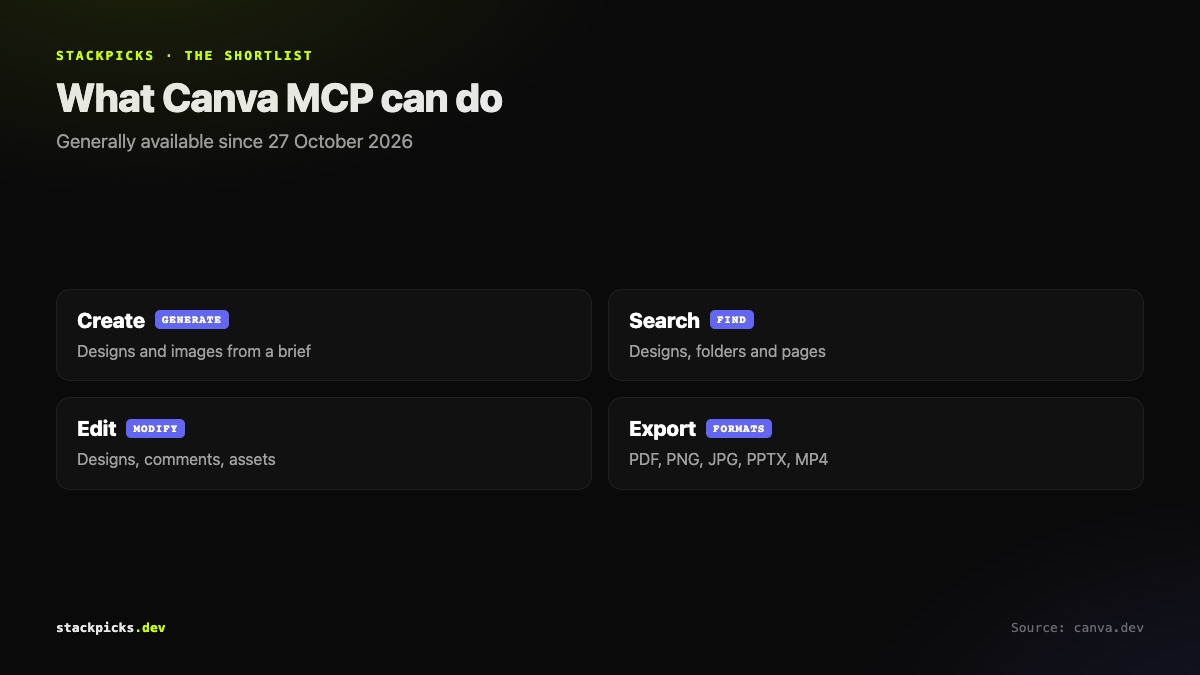
What the Canva MCP server can do: create, search, edit, manage assets and export

What it can do

  • Create designs and images from a prompt or brief
  • Search designs, folders and pages
  • Edit designs, add comments and manage assets
  • Export to PDF, PNG, JPG, PPTX and MP4

Some features need a paid Canva plan.

Set it up
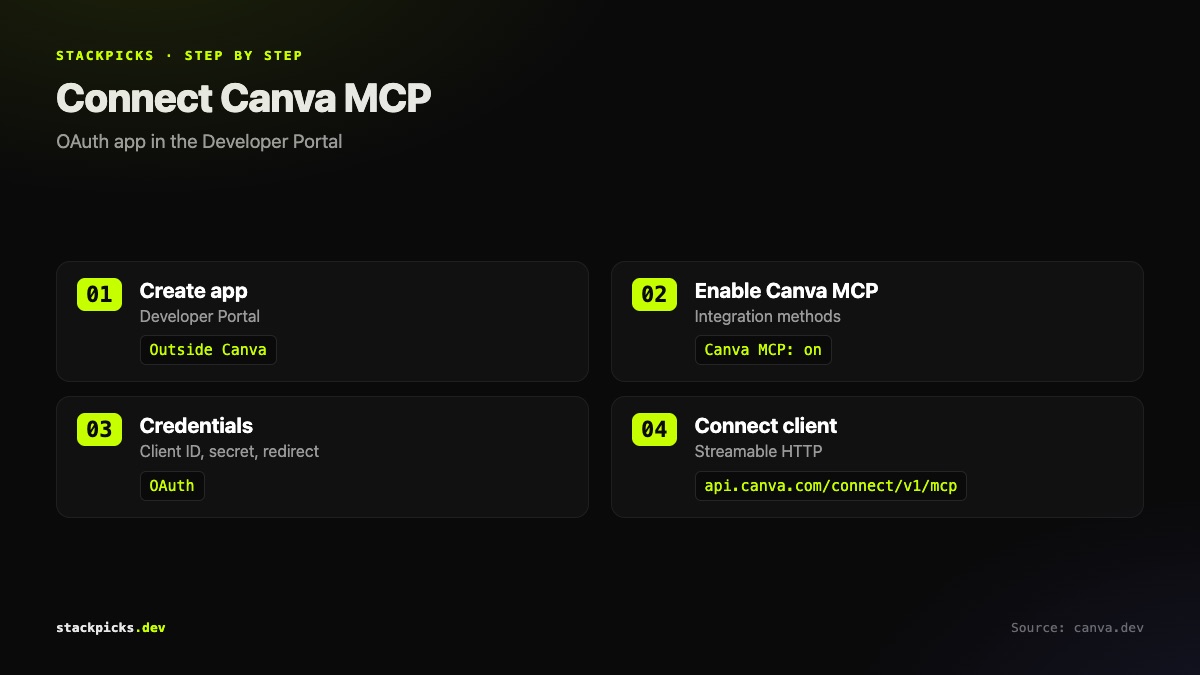
Canva MCP setup: create app, enable Canva MCP, copy credentials, add redirect URL, connect client

  1. In the Canva Developer Portal, create an app.
  2. Go to Outside Canva and choose Start integrating.
  3. Under Integration methods, turn on Canva MCP.
  4. Copy the client ID, generate a client secret and add your redirect URL.

Then configure your MCP client with:

https://api.canva.com/connect/v1/mcp

Many assistants already ship a Canva connector, so check your client's connector list before building your own app. For the general pattern, see how to use MCP in Claude Code or MCP in VS Code.

Limits to know

  • Per-user sign-in only. Each user authenticates with their own Canva account; organisation-level and service-account auth are not supported. That rules out a single shared bot account.
  • **CIMD clients** (Client ID Metadata Document) must join a waitlist; background in the DCR to CIMD migration.
  • Do not confuse it with the Canva Dev MCP server, which helps coding assistants build Canva apps.

Working with design files too? Pair it with the Figma MCP server. Browse more design servers on /mcp.

Frequently asked questions

Is the Canva MCP server free?+

Canva's MCP server is generally available to developers with self-serve access through the Canva Developer Portal, and you do not pay separately to enable it. However, Canva says some features require a paid Canva plan for the user who signs in. Because each user authenticates with their own account, what an agent can do depends on that user's Canva subscription.

What is the Canva MCP server URL?+

The Canva MCP server is hosted at https://api.canva.com/connect/v1/mcp and uses the Streamable HTTP transport. Configure that URL in your MCP client together with the OAuth client ID and secret from your Canva Developer Portal app. Many AI assistants already offer a built-in Canva connection, so check your client's connector list before creating your own integration.

How do I connect Canva to Claude?+

If your Claude app lists a Canva connector, enable it and sign in with your Canva account. To use your own integration, create an app in the Canva Developer Portal, go to Outside Canva, choose Start integrating, turn on Canva MCP under Integration methods, copy the client ID, generate a secret and add a redirect URL, then add the server URL to your client.

Can I use a service account with Canva MCP?+

No. Canva's documentation says each user must authenticate with their own Canva account, and organisation-level or service-account authentication is not supported. That means you cannot run one shared bot account for a whole team. Clients that identify themselves with a Client ID Metadata Document must apply through a waitlist before they can connect.

More in AI Engineering