All posts
Developer Tools·6 min read·Updated 23 Oct 2026

Playwright MCP Server: Setup for Claude Code, Cursor and VS Code (2026)

Quick answer
Playwright MCP is Microsoft's official MCP server for browser automation. Add it to Claude Code with `claude mcp add playwright npx @playwright/mcp@latest`. It drives the browser through accessibility snapshots, not screenshots, so no vision model is needed. Microsoft now suggests its CLI for token-light coding tasks.

Set up Microsoft's Playwright MCP server for browser automation in Claude Code, Cursor and VS Code: install config, useful flags, how accessibility snapshots work, and MCP vs the Playwright CLI.

Piyush Jangir
Verified author

Founder of StackPicks. Self-taught builder shipping open-source dev tools, marketing, and curator content since 2019. Based in Mumbai, India. Available on GitHub and LinkedIn.

6 min read
Playwright MCP Server: Setup for Claude Code, Cursor and VS Code (2026)

**Short version:** Playwright MCP gives an AI agent a real browser — click, type, navigate, read the page — through the microsoft/playwright-mcp server (Apache-2.0, about 38,500 GitHub stars). It reads pages as structured accessibility trees rather than screenshots, which makes it fast and reliable without a vision model.

Install in one line

Claude Code:

claude mcp add playwright npx @playwright/mcp@latest

Cursor, VS Code and most other clients take the standard JSON config:

{
  "mcpServers": {
    "playwright": {
      "command": "npx",
      "args": ["@playwright/mcp@latest"]
    }
  }
}

For VS Code specifics, see our MCP in VS Code guide; for Claude Code scopes and auth, see MCP in Claude Code.

Snapshots, not screenshots

The server uses Playwright's accessibility tree instead of pixel-based input. The agent sees buttons, links, inputs and their labels as structured data. Two practical effects: it works with models that have no vision, and it is far less brittle than clicking coordinates on a screenshot.

Flags you will actually use
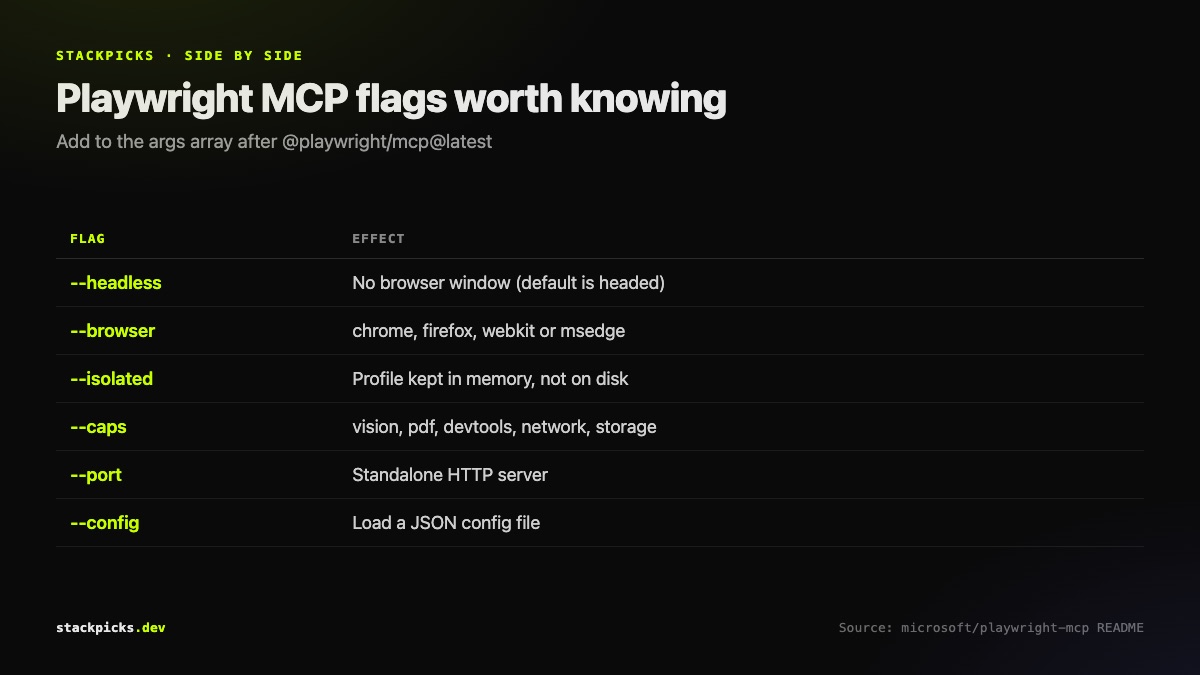
Most useful Playwright MCP server flags

FlagWhat it does
--headlessNo visible window (default is headed)
--browserchrome, firefox, webkit or msedge
--isolatedKeep the profile in memory, not on disk
--user-data-dirUse a specific profile directory
--capsExtra capabilities: vision, pdf, devtools, network, storage
--portRun as a standalone HTTP server
--configLoad settings from a JSON file

Add flags to the args array, for example ["@playwright/mcp@latest", "--headless", "--isolated"]. Most flags also have PLAYWRIGHT_MCP_* environment variables.

MCP or the Playwright CLI? Microsoft's own answer
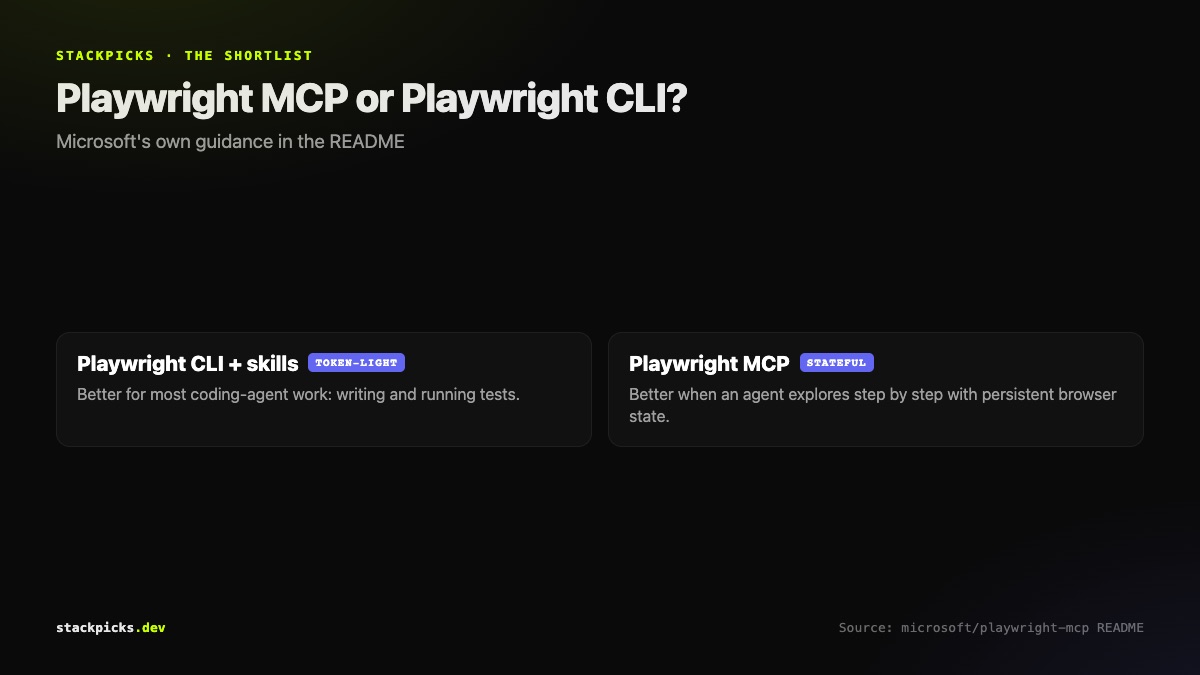
When to use Playwright MCP versus the Playwright CLI

The project's README is candid: for many coding agents, the Playwright CLI with skills is more token-efficient, because CLI calls avoid loading large tool schemas and page snapshots into context. MCP still fits loops that need persistent browser state and rich page introspection — exploratory testing, long-running workflows, agents that browse step by step.

So: writing and running a test suite from Claude Code? The CLI is usually leaner. Letting an agent explore an app interactively? Use MCP. If token spend is a concern either way, our token usage guide covers MCP overhead.

One safety habit

A headed browser using your normal profile can reach every site you are logged into. Use `--isolated` (or a dedicated `--user-data-dir`) so the agent starts clean, and review our MCP server security checklist before pointing it at production.

Frequently asked questions

What is the Playwright MCP server?+

Playwright MCP is Microsoft's official Model Context Protocol server for browser automation, open source under Apache-2.0. It lets AI agents such as Claude Code, Cursor and Copilot control a real browser: navigate, click, type, fill forms and read pages. It works from Playwright's accessibility tree rather than screenshots, so the agent receives structured page data and does not need a vision-capable model to operate the browser.

How do I add Playwright MCP to Claude Code?+

Run claude mcp add playwright npx @playwright/mcp@latest in your terminal. That registers the server so Claude Code starts it with npx when needed, which means Node.js must be installed. You can add flags such as --headless to hide the browser window or --isolated to keep the browser profile in memory. Check the server is connected with the /mcp command inside a Claude Code session.

Does Playwright MCP use screenshots?+

Not by default. It uses Playwright's accessibility tree, a structured representation of the page that lists elements like buttons, links and inputs with their labels. That is faster and more reliable than clicking coordinates on screenshots, and it works with text-only models. If you do need visual capabilities, the --caps flag can enable extras such as vision, along with pdf, devtools, network and storage capabilities.

Should I use Playwright MCP or the Playwright CLI?+

Microsoft's own README recommends the Playwright CLI with skills for many coding-agent tasks, because CLI calls are more token-efficient than loading MCP tool schemas and page snapshots. Choose MCP when the agent needs persistent browser state and rich page introspection, such as exploratory testing or long-running, step-by-step browsing. For writing and running a test suite, the CLI is usually the leaner option.

Is Playwright MCP safe to use?+

It is as safe as the browser profile you give it. By default the browser is headed and can use a persistent profile, so an agent could reach sites where you are logged in. Run it with --isolated or a dedicated --user-data-dir so it starts with a clean profile, keep it away from production admin sessions, and review which sites and actions you allow before running it unattended.

More in Developer Tools

Playwright MCP Server: Setup for Claude Code, Cursor and VS Code (2026) — StackPicks — StackPicks